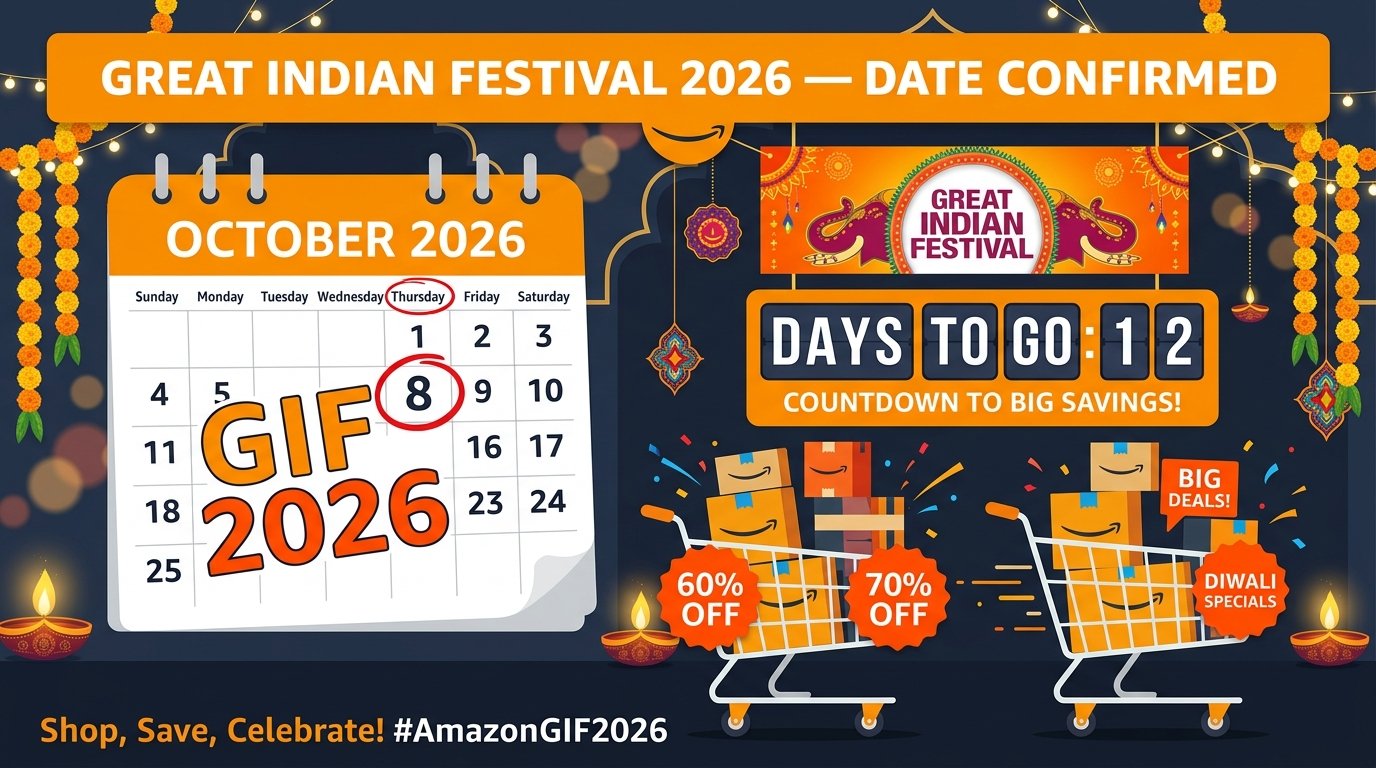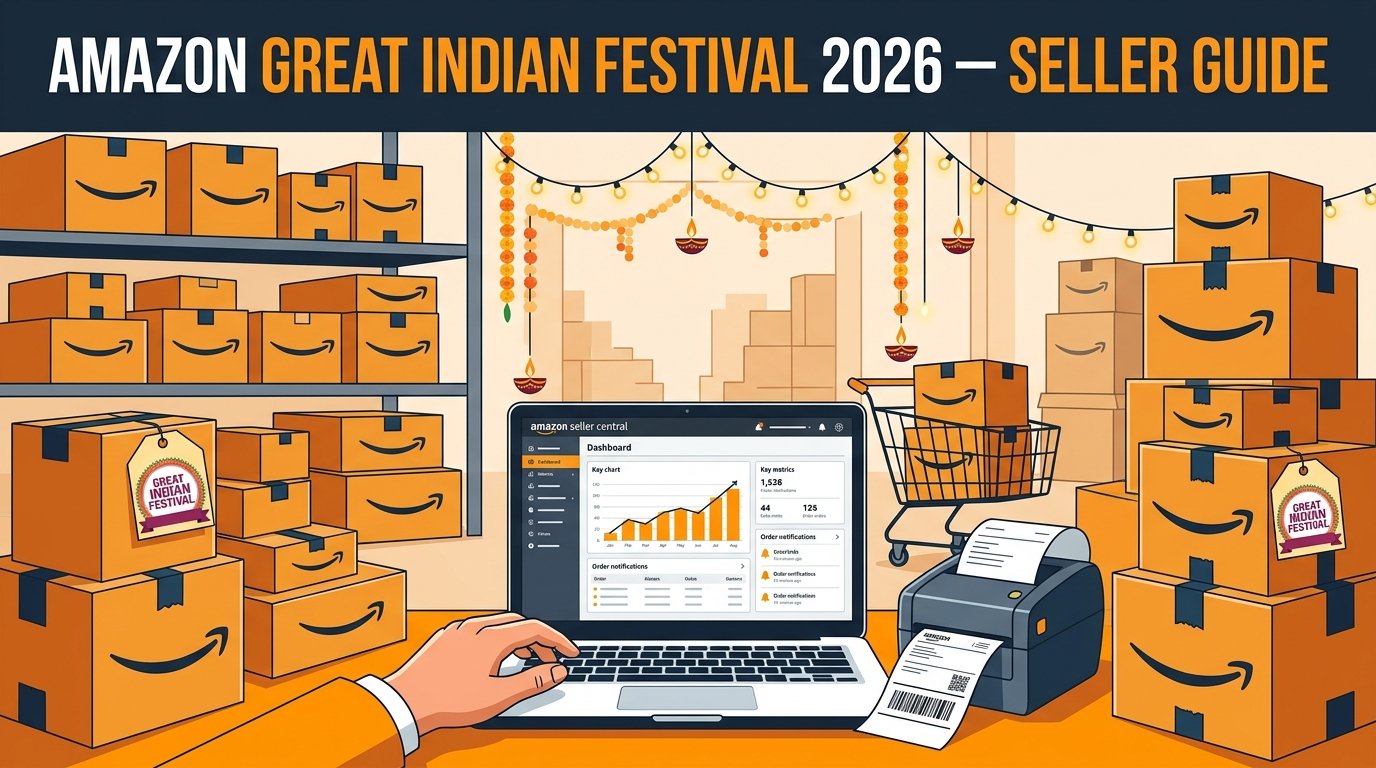
Amazon's Great Indian Festival (GIF) is the premium counterpart to Flipkart's BBD and Meesho's MBS. It attracts high-intent buyers looking for electronics, home appliances, premium fashion, and gifting items. Amazon Prime members get early access, driving massive volume on Day 1.
Selling on Amazon during GIF requires careful planning because Amazon offers multiple types of deals, strict FBA deadlines, and very high customer expectations.
Understanding Amazon Deal Types
Unlike other platforms where you just drop the price, Amazon has specific promotional vehicles you must apply for 4-6 weeks in advance:
- Lightning Deals: Flash sales that last 4-12 hours. High visibility on the Deals page. Amazon charges a fee (₹500-₹1,000+) per deal.
- Best Deals (7-Day Deals): Longer duration, slightly less prominent than Lightning Deals, but great for steady volume.
- Prime Exclusive Discounts: Special discounts visible only to Prime members. Free to offer, highly effective on Day 1.
- Coupons: Percentage or flat amount off. A green badge appears on your listing, increasing click-through rate.
How to Submit Deals
- Go to Amazon Seller Central → Advertising → Deals
- Check your eligible ASINs (Amazon selects which products are eligible based on sales history and reviews).
- Choose the Great Indian Festival event week.
- Set your deal price (must be a certain percentage lower than the 30-day lowest price).
- Commit your inventory quantity.
- Submit and wait for Amazon to schedule it.
FBA vs. Easy Ship During the Festival
Amazon heavily favors FBA (Fulfilled by Amazon) listings during the Great Indian Festival. FBA items get the Prime badge and are guaranteed fast delivery, which is exactly what festival shoppers want.
FBA Strategy
- Strict Deadlines: Amazon sets a cutoff date (usually 2-3 weeks before the sale) for FBA inventory. If your stock arrives after the cutoff, it won't be processed in time for the sale.
- Send Top Sellers: Only send your top 20% ASINs to FBA. Storage fees are high, so don't send slow-moving stock.
- Inbound Appointments: Book your FBA appointment slots early. Warehouses get jammed in September.
Easy Ship (Seller Fulfilled) Strategy
If you fulfill your own orders (Easy Ship), you are in control, but you must handle the massive order surge yourself.
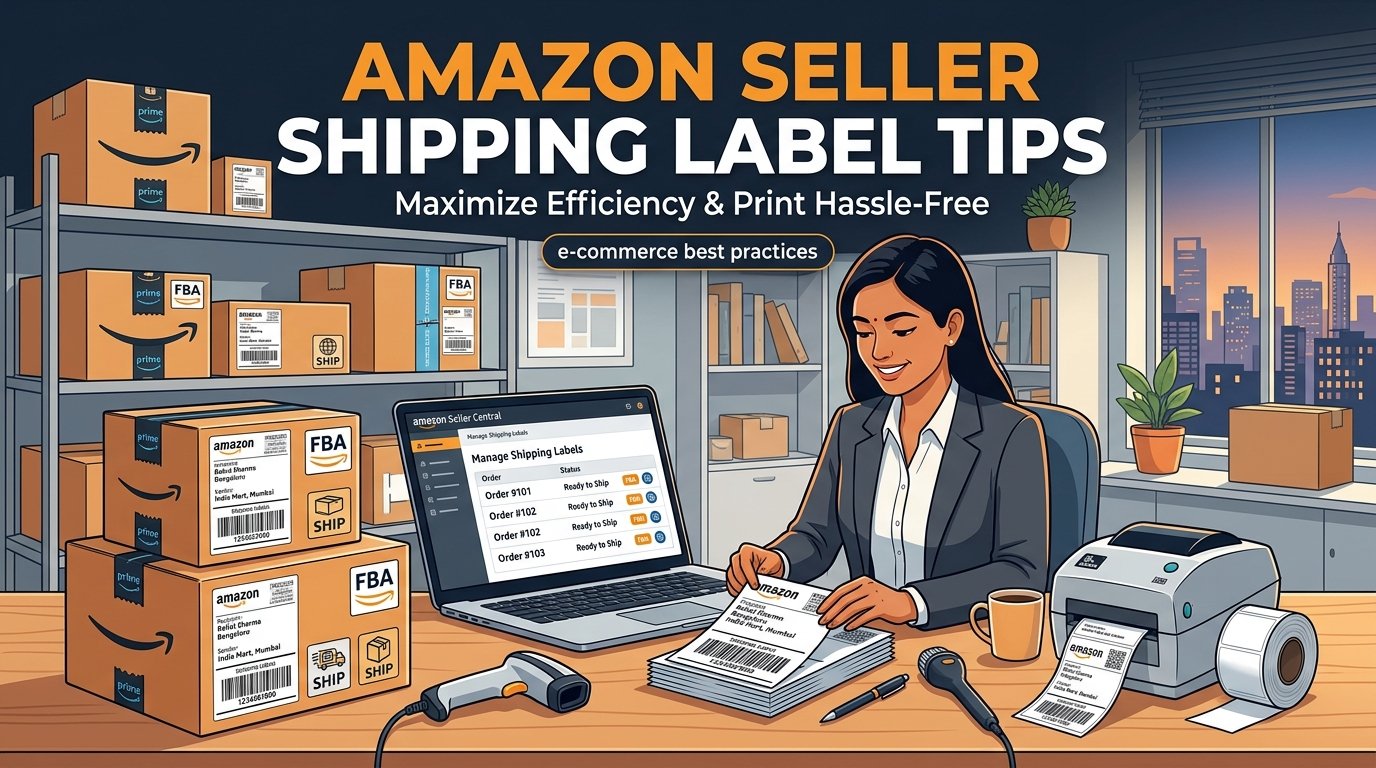
- Batch Print Labels: Don't process orders one by one. Use Amazon's bulk order processing tool.
- Sort Your Pick List: Just like with Flipkart and Meesho, you must know what to pick from your warehouse before you pack.
- Don't Miss Handover: Ensure you hand over all packages to the ATS (Amazon Transportation Services) pickup associate on time. Late handovers lead to high cancellation rates and metric hits.
Advertising (Amazon PPC) During GIF
Organic traffic is high, but competition is fierce. You MUST run Amazon Sponsored Products ads during the sale.
- Increase Budgets: CPC (Cost Per Click) will double or triple during the sale. Increase your daily budgets so your campaigns don't run out of money by 11 AM.
- Target Festive Keywords: Add keywords like "diwali gift", "festival offer on [product]", etc.
- Bid Aggressively on Top Sellers: Focus your ad spend on the products that are already converting well.
Post-Sale Actions
The Great Indian Festival often lasts for nearly a month (ending near Diwali). This means continuous operational pressure.
- Monitor Inventory Daily: Restock FBA if necessary (though it may be hard to get appointments). Deactivate Easy Ship listings if you run out of stock.
- Manage Returns: Amazon customers expect easy returns. Process them swiftly to maintain a good seller rating.
- Request Reviews: Use the "Request a Review" button in Seller Central for all your sale orders. This massive influx of reviews will boost your rank for the rest of the year.