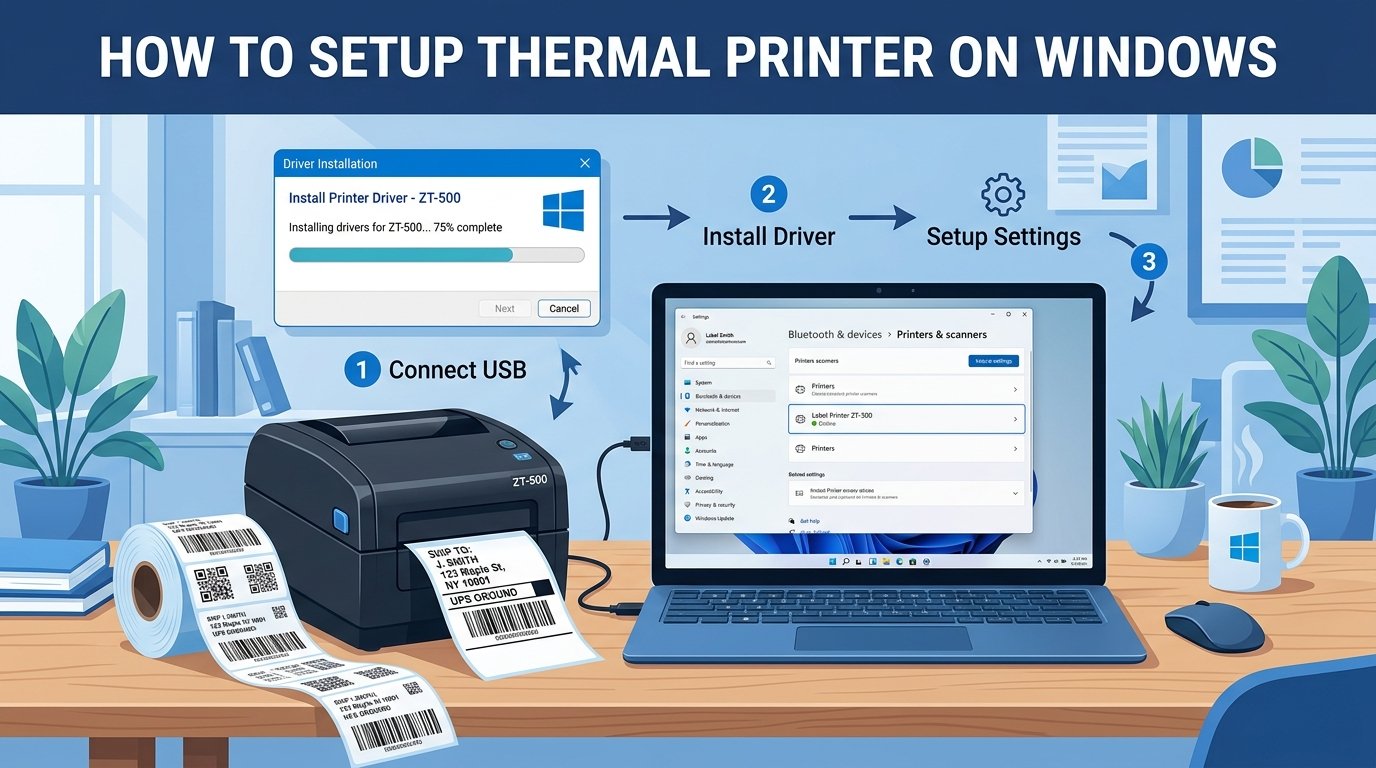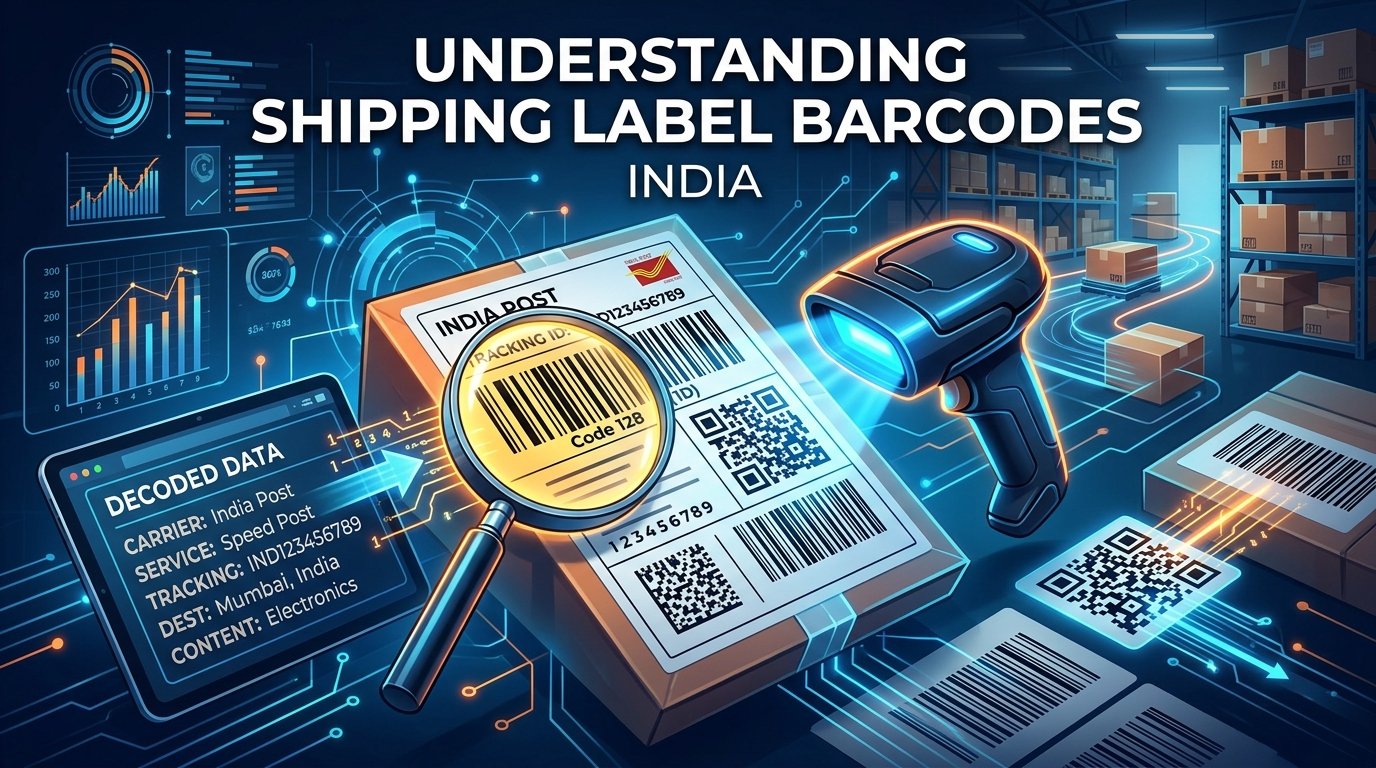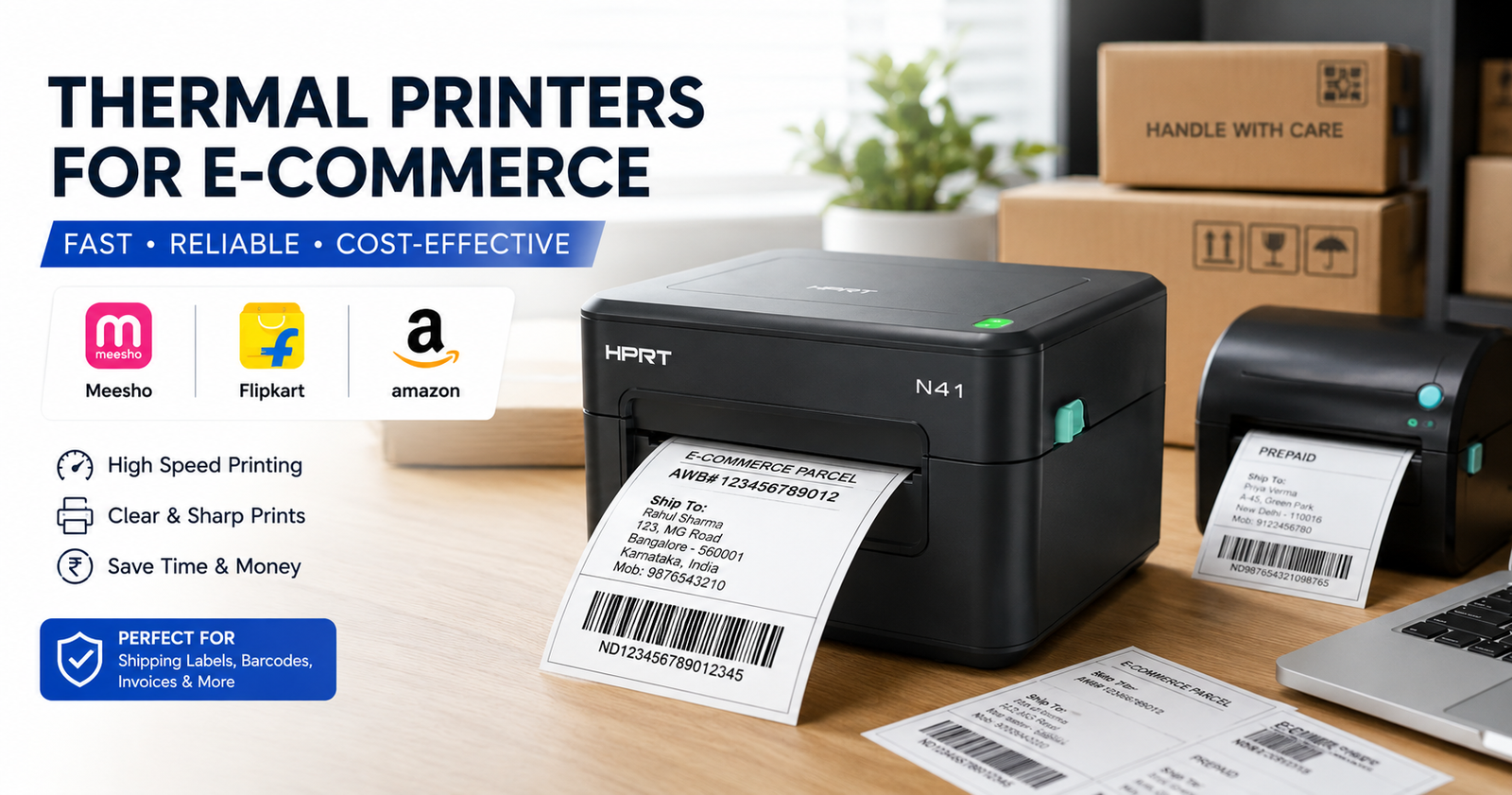
If you are shipping more than 20 orders a day on platforms like Meesho, Flipkart, or Amazon, switching from a regular inkjet printer to a thermal label printer is one of the smartest investments you can make. Thermal printers don't use ink cartridges — they print using heat on special thermal paper rolls, which means zero ink cost and dramatically faster print speed.
Why Thermal Printers Are Essential for Sellers
Regular inkjet or laser printers use A4 paper and ink, costing ₹2-5 per label. With a thermal printer, each label costs only ₹0.50-1.00. Plus, thermal labels are waterproof and don't smudge during transit — a critical advantage for Indian weather conditions.
Top 5 Thermal Printers for Indian Sellers
Here are the best options available in India in 2026, ranked by value for money:
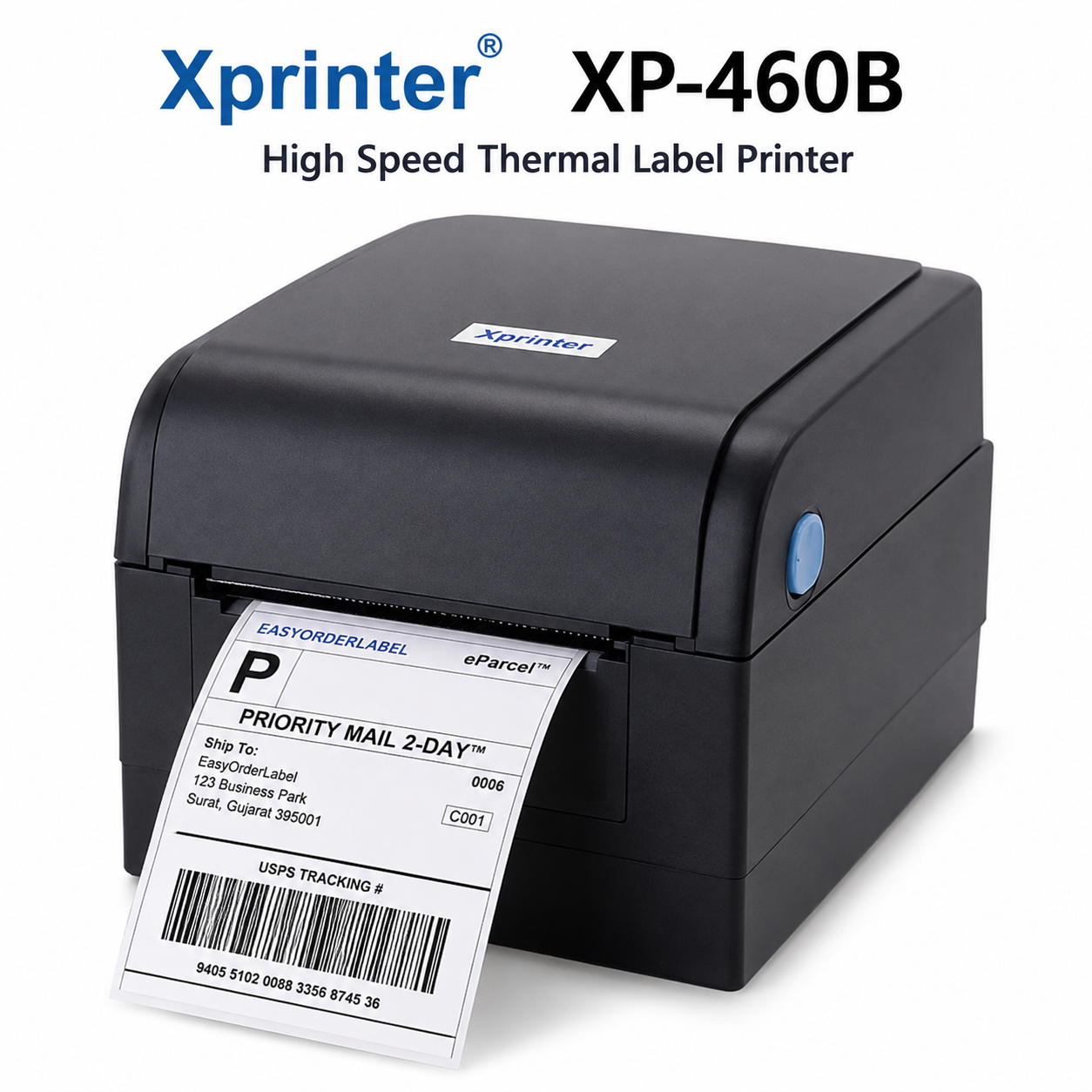
1. Xprinter XP-460B
₹4,500 – ₹5,500The most popular budget option among Meesho and Flipkart sellers. Supports both 4×4 and 4×6 inch labels. USB connectivity. Print speed of 152mm/s. Best for beginners shipping 20-100 orders daily.
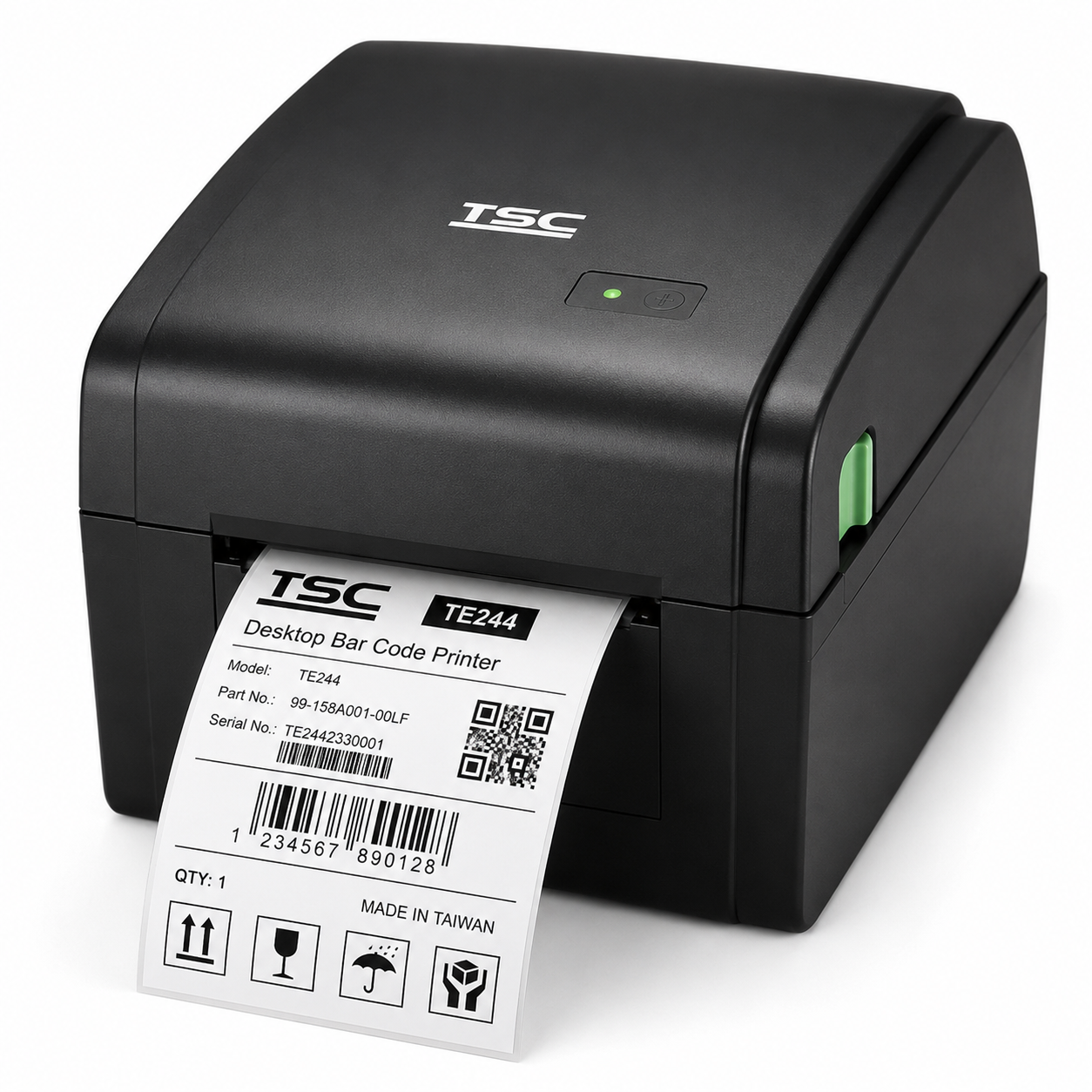
2. TSC TE244
₹8,000 – ₹10,000A step up in build quality. TSC is a Taiwanese brand known for commercial-grade reliability. Supports 4-inch wide labels and has a 300-meter ribbon capacity. Ideal for sellers doing 100-500 orders daily.
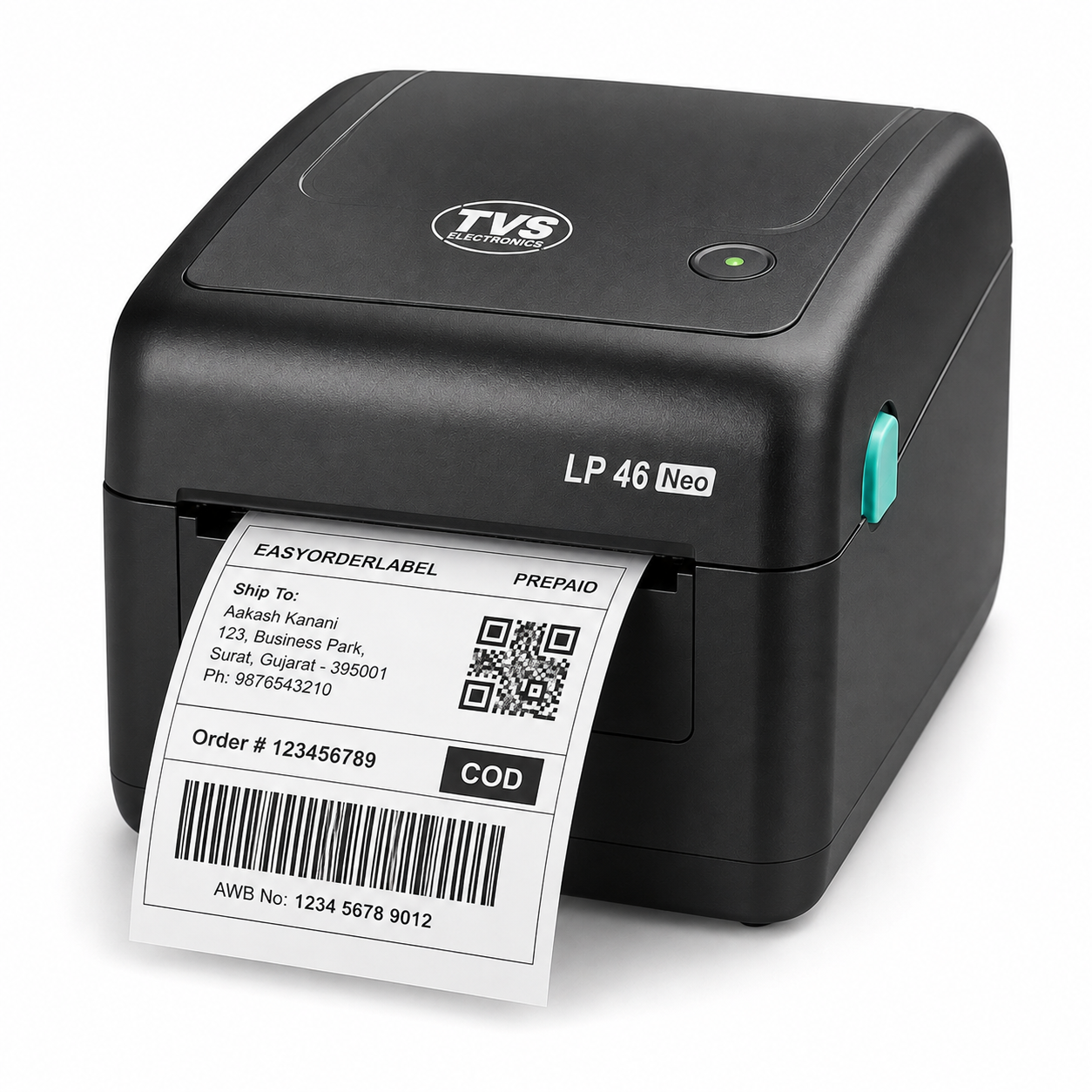
3. TVS LP 46 Neo
₹7,000 – ₹9,000Made by the Indian brand TVS Electronics. Offers 4-inch direct thermal printing at 127mm/s. Good local service support across India, which is a major advantage over Chinese brands.
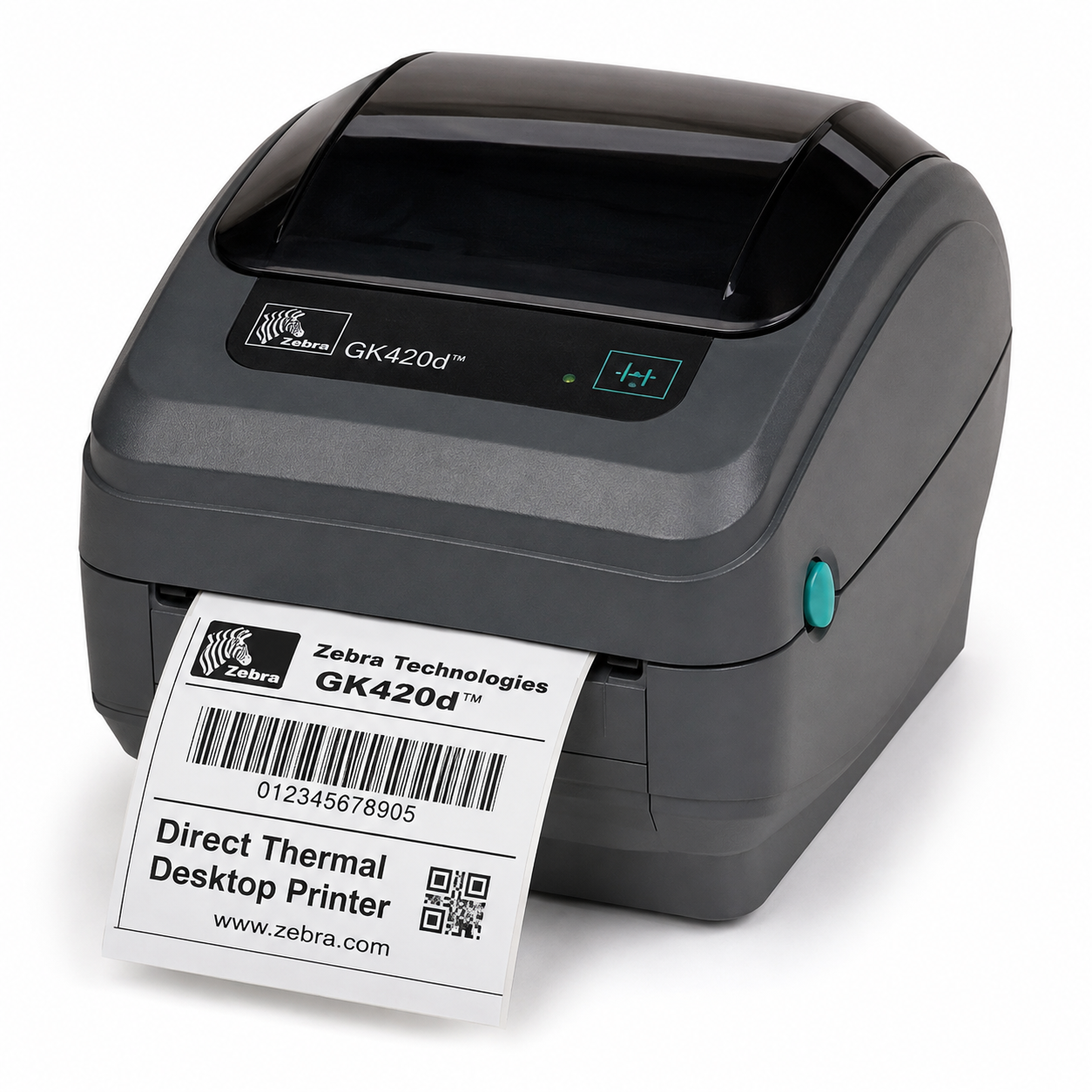
4. Zebra GK420d
₹14,000 – ₹18,000The gold standard in logistics and warehousing. Zebra printers are used by courier companies like Delhivery and Ecom Express themselves. If you need absolute reliability for 500+ orders daily, this is the one.
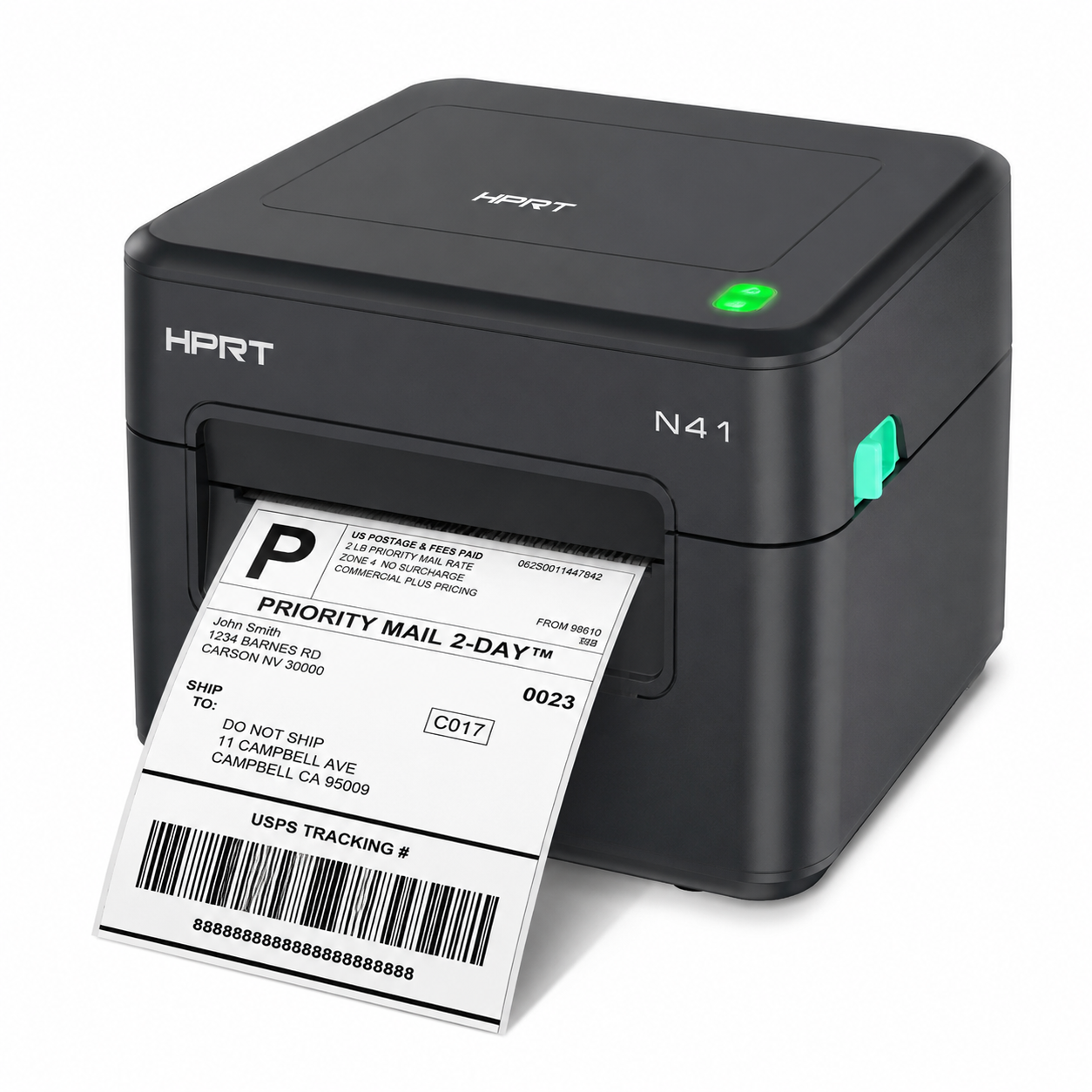
5. HPRT N41
₹5,500 – ₹7,000A newer Chinese brand offering Bluetooth connectivity at a mid-range price. Supports 4-inch thermal labels and can print from Android phones via their app. Good for sellers who manage orders from their mobile.
Quick Comparison Table
| Printer | Price Range | Speed | Connectivity | Best For |
|---|---|---|---|---|
| Xprinter XP-460B Best Value | ₹4,500 – ₹5,500 | 152mm/s | USB | Beginners (20-100 orders/day) |
| TSC TE244 | ₹8,000 – ₹10,000 | 203mm/s | USB | Mid-volume sellers (100-500 orders/day) |
| TVS LP 46 Neo | ₹7,000 – ₹9,000 | 127mm/s | USB | Sellers who value local service support |
| Zebra GK420d | ₹14,000 – ₹18,000 | 127mm/s | USB + Ethernet | High-volume warehouses (500+ orders/day) |
| HPRT N41 | ₹5,500 – ₹7,000 | 127mm/s | USB + Bluetooth | Mobile-first sellers |
Which Label Size Should You Use?
The label size depends on which platform you sell on:
- Meesho: 4×4 inch labels (100mm × 100mm) — landscape format
- Flipkart: 4×6 inch labels (100mm × 150mm) — portrait format
- Amazon: 4×6 inch labels (100mm × 150mm) — portrait format
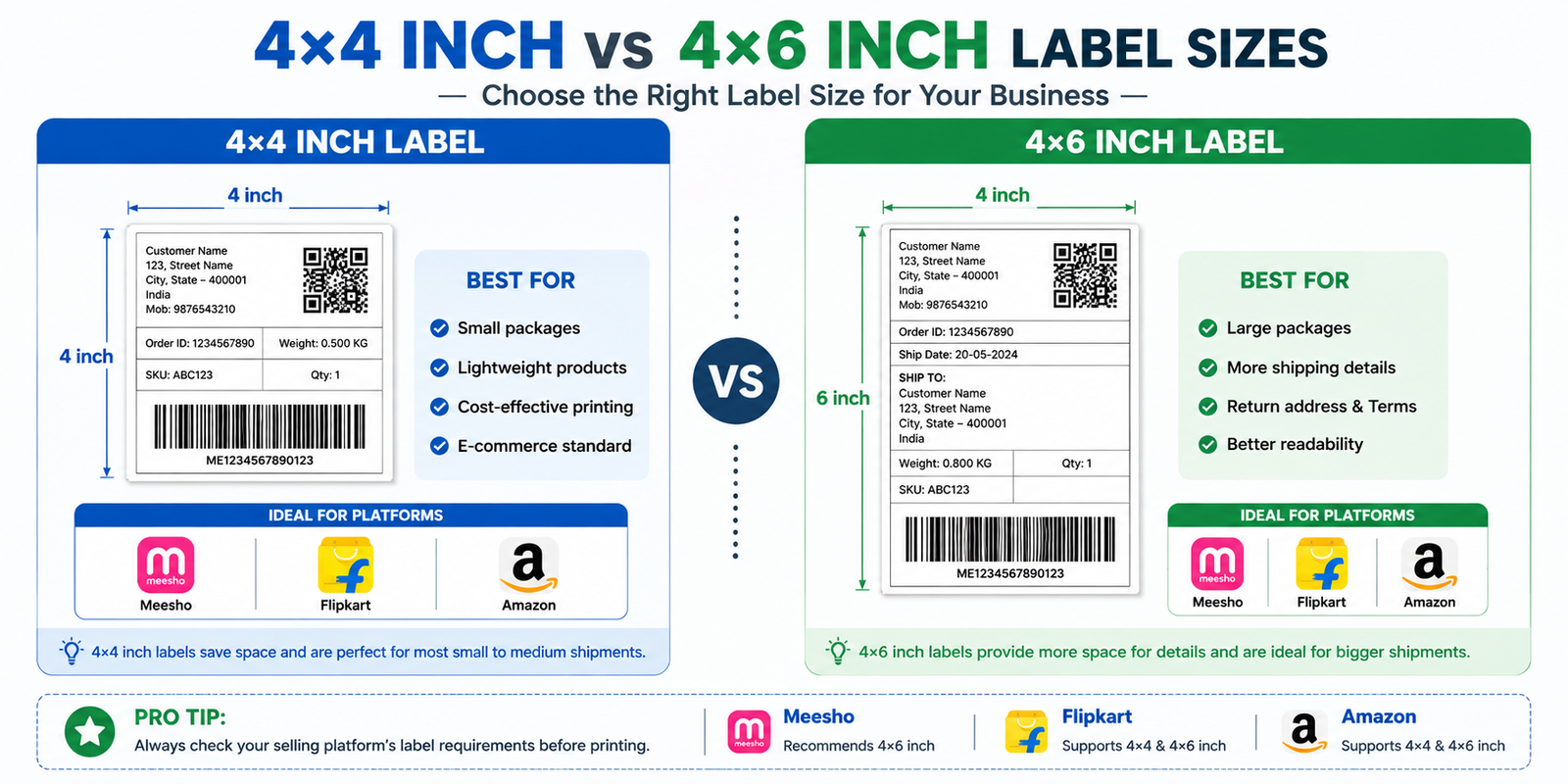
Visual comparison: 4×4 inch (Meesho standard) vs 4×6 inch (Flipkart & Amazon standard) thermal label sizes.
Pro Tips for Thermal Printing
- Always calibrate your printer after loading a new roll. Most printers have a calibration button — hold it for 3 seconds.
- Use "Fit to Paper" in your print settings. Never use "Actual Size" as it can cut off barcodes.
- Store thermal rolls in cool, dry places. Heat and sunlight can darken the paper prematurely.
- Buy labels in bulk. A box of 1,000 labels (4×4 inch) costs ₹500-800 on Amazon, which works out to less than ₹1 per label.
How to Sort Labels Before Printing
Once you have your thermal printer set up, the next step is optimizing your label workflow. Instead of printing labels in the random order they are downloaded, sort them by SKU and size first. This lets your packing team work through one product at a time, dramatically reducing packing errors and dispatch time.
Upload your Meesho, Flipkart, or Amazon label PDF to EasyOrderLabel to automatically sort and crop your labels. The tool groups labels by SKU and sorts sizes from S → M → L → XL — saving you 2+ hours of manual sorting every day.