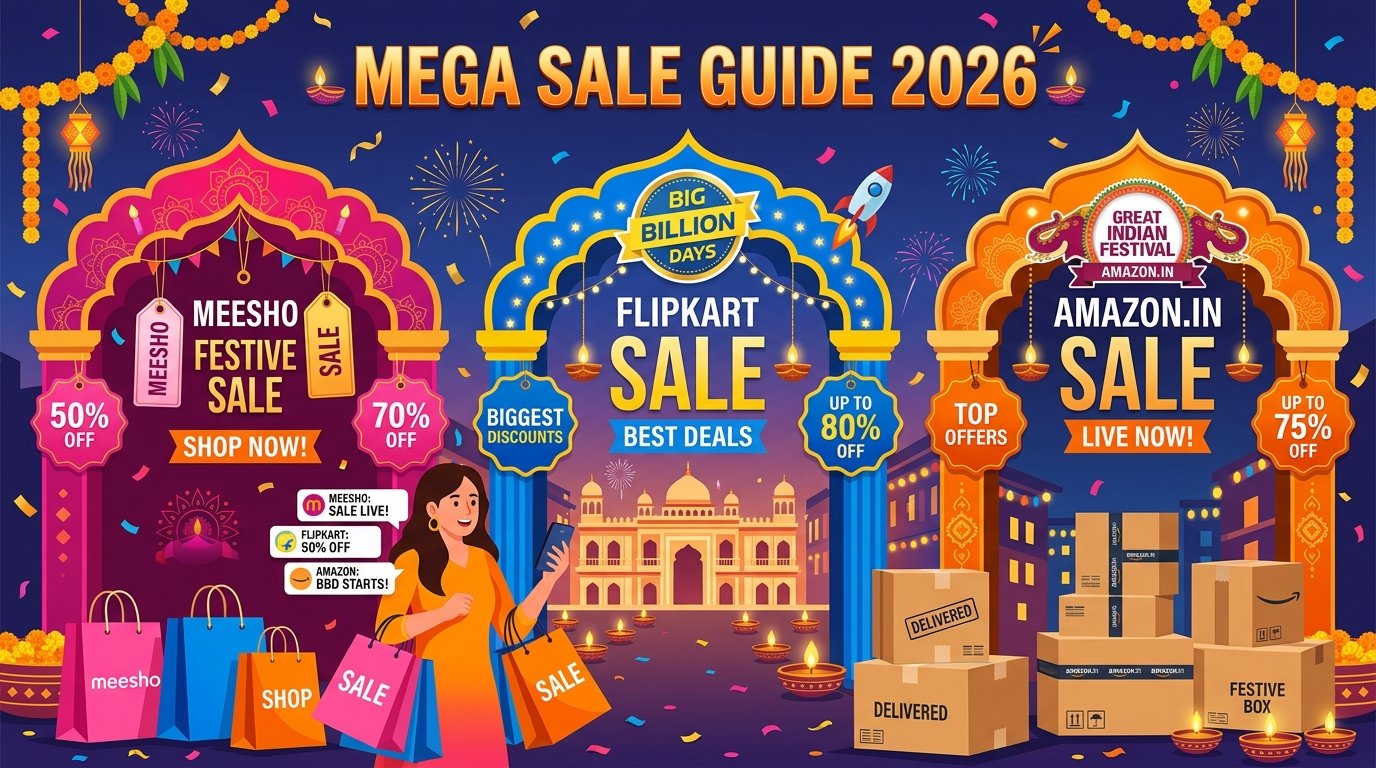
Every year between September and November, India's three biggest e-commerce platforms — Meesho, Flipkart, and Amazon — run their massive annual sale events. These sales generate billions of rupees in GMV (Gross Merchandise Value) within just 5-7 days and can transform a small seller's business overnight.
During these mega sales, daily order volumes for active sellers can jump from 50 orders/day to 500-2,000 orders/day. That's potentially an entire month's revenue compressed into one week. But only sellers who prepare properly can handle this surge without losing money to cancellations, late dispatches, or stockouts.
In this guide, we cover everything you need to know about participating in all three mega sales as a seller in 2026.
The Big Three: Sale Overview
| Sale Event | Platform | Typical Dates | Duration | Seller Commission | Best Categories |
|---|---|---|---|---|---|
| Mega Blockbuster Sale | Meesho | September – October | 7-10 days | 0% (Zero commission) | Kurtis, Sarees, Jewellery, Home Decor |
| Big Billion Days (BBD) | Flipkart | Late September – October | 5-8 days | 5-23% (category-based) | Electronics, Fashion, Home, Mobiles |
| Great Indian Festival (GIF) | Amazon | October – November | 7-30 days (extended) | 6-25% (category-based) | Electronics, Fashion, Home & Kitchen |
1. Meesho Mega Blockbuster Sale — Complete Seller Guide
Meesho's Mega Blockbuster Sale is the biggest shopping event for Tier 2 and Tier 3 India. With zero commission and massive customer traffic, it's the most profitable sale for small and new sellers.
How to Register for Meesho Mega Blockbuster Sale
- Log in to your Meesho Supplier Panel (supplier.meesho.com)
- Go to Growth → Campaigns section
- Look for the "Mega Blockbuster Sale" campaign banner
- Click "Participate" or "Nominate Products"
- Select the products you want to include in the sale
- Set your sale prices (Meesho recommends 10-30% discount from regular price)
- Submit for approval — Meesho reviews and confirms within 2-3 days
Meesho Sale Preparation Checklist
- ✅ Stock up on 3x-5x your normal inventory for top-selling products
- ✅ Pre-pack your bestsellers in polybags so you only need to add labels and courier bags during the sale
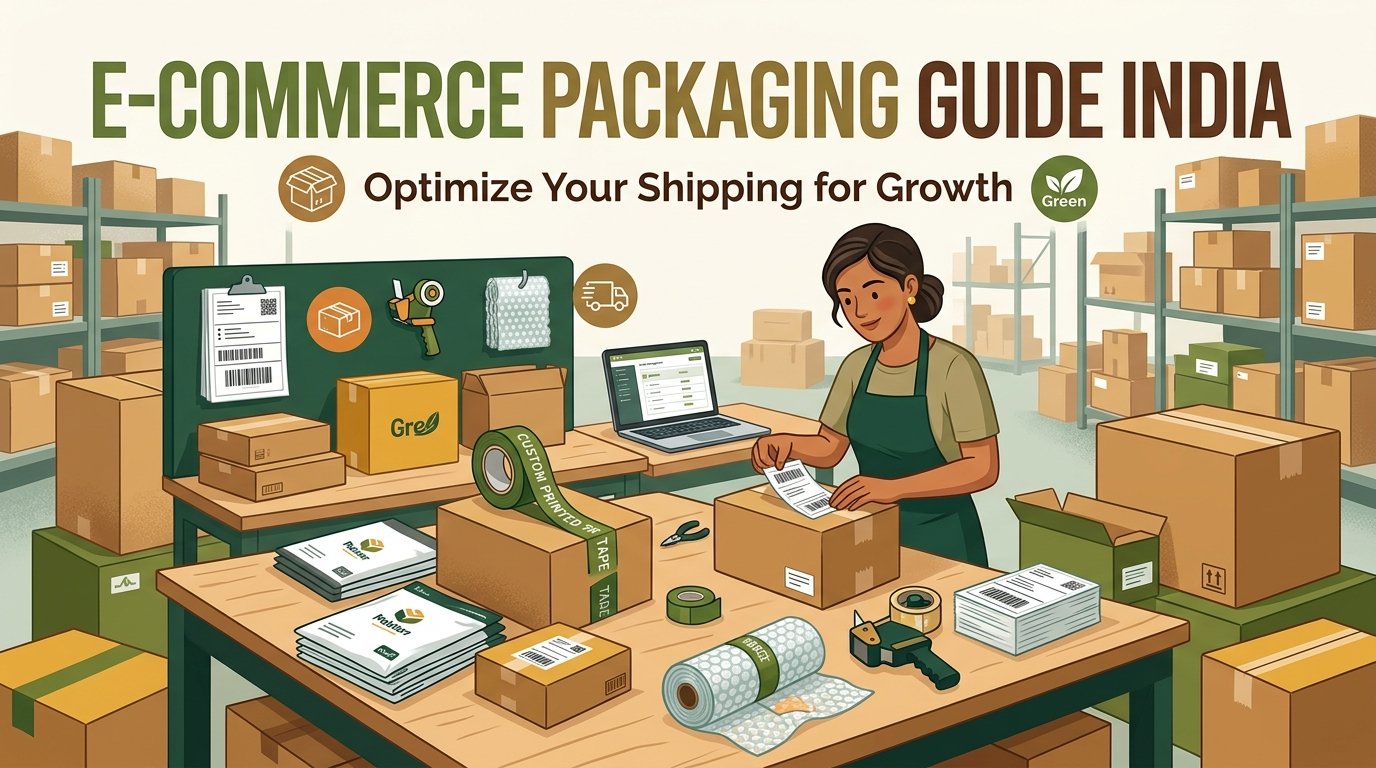
- ✅ Buy extra packaging materials — courier bags, thermal labels, packing tape (prices go up during the sale week!)
- ✅ Test your thermal printer — clean the print head and stock extra label rolls
- ✅ Set up EasyOrderLabel's Meesho tool so you can quickly sort and crop labels when orders flood in
- ✅ Hire 1-2 temporary packers if you expect 200+ daily orders
- ✅ Update product photos and descriptions — sale traffic means more eyeballs on your listings
During the Sale: Daily Workflow
- Morning (6-8 AM): Download all overnight orders as a batch PDF from Meesho Supplier panel
- Sort labels: Upload the PDF to EasyOrderLabel — get labels sorted by SKU and size instantly
- Print SKU summary: Know exactly how many of each product/size to pick
- Print sorted labels: Feed the sorted PDF into your thermal printer
- Batch packing: Pick one SKU at a time, match labels to products, pack, seal
- Schedule pickups: Schedule courier pickup before 12 PM for same-day collection
- Afternoon (2-4 PM): Repeat for new orders received during the morning
- Evening: Restock shelves, reorder materials if running low
2. Flipkart Big Billion Days (BBD) — Complete Seller Guide
Flipkart's Big Billion Days is India's original mega sale event, launched in 2014. It's the biggest online shopping event in the country by GMV and drives massive traffic across all categories — especially electronics, smartphones, and fashion.
How to Register for Flipkart BBD
- Log in to Flipkart Seller Hub (seller.flipkart.com)
- Navigate to Growth → Big Billion Days section (appears 3-4 weeks before the sale)
- Review the eligibility criteria:
- Seller rating must be 3.5 stars or above
- Cancellation rate below 2%
- Late dispatch rate below 5%
- Products must have competitive pricing
- Select products and set BBD special prices (Flipkart suggests discount ranges)
- Submit for approval — Flipkart curates listings based on pricing and seller performance
Flipkart BBD Pricing Strategy
Flipkart charges commission (5-23% depending on category), so your pricing calculation is different from Meesho:
Minimum Sale Price = Product Cost ÷ (1 - Commission% - Discount%) × (1 + Minimum Margin%)
Example for a Kurti (15% commission, 20% discount, 10% minimum margin):
Product Cost ₹200 → Sale Price = 200 ÷ (1 - 0.15 - 0.20) × (1.10) = ₹338
Flipkart BBD Label Management
During BBD, you might download 100-500 label PDFs per day. Flipkart labels have a shipping label on top and tax invoice on bottom. Manually splitting these is impossible at scale.
- Upload your Flipkart batch PDF to EasyOrderLabel's Flipkart tool
- The tool automatically crops the tax invoice from each page
- Labels are sorted by SKU for efficient batch packing
- Download the sorted, cropped PDF and print on your 4×6 thermal printer
3. Amazon Great Indian Festival (GIF) — Complete Seller Guide
Amazon's Great Indian Festival is the longest-running mega sale, often lasting 2-4 weeks with early access for Prime members. It's especially strong for electronics, home appliances, and premium fashion.
How to Register for Amazon Great Indian Festival
- Log in to Amazon Seller Central (sellercentral.amazon.in)
- Go to Advertising → Deals
- Look for "Great Indian Festival" deal submission window (opens 4-6 weeks before the sale)
- Choose deal type:
- Lightning Deals — time-limited, high visibility, ₹500-1,000 fee per deal
- Best Deals — longer duration, higher fee
- Price Drop — free, just reduce your price
- Set your deal price (Amazon requires minimum 15-25% off from your regular price)
- Ensure you have enough FBA inventory or Easy Ship stock to fulfill the expected demand
Amazon GIF: FBA vs Easy Ship During the Sale
| Factor | FBA (Fulfilled by Amazon) | Easy Ship (Self-Ship) |
|---|---|---|
| Dispatch Speed | Amazon handles everything — fastest | You pack & dispatch — need to be fast |
| During Sale Surge | No extra work for you | Very high workload — need label sorting tools |
| Cost | Higher (FBA fees + storage) | Lower (only shipping fees) |
| Control | Less control over packaging | Full control — can include thank you cards |
| Best For Sale Season | Recommended Send top sellers to FBA 3 weeks before | Keep slower-moving items on Easy Ship |
Universal Sale Preparation: The 4-Week Countdown
Whether you sell on one platform or all three, follow this timeline:
4 Weeks Before the Sale
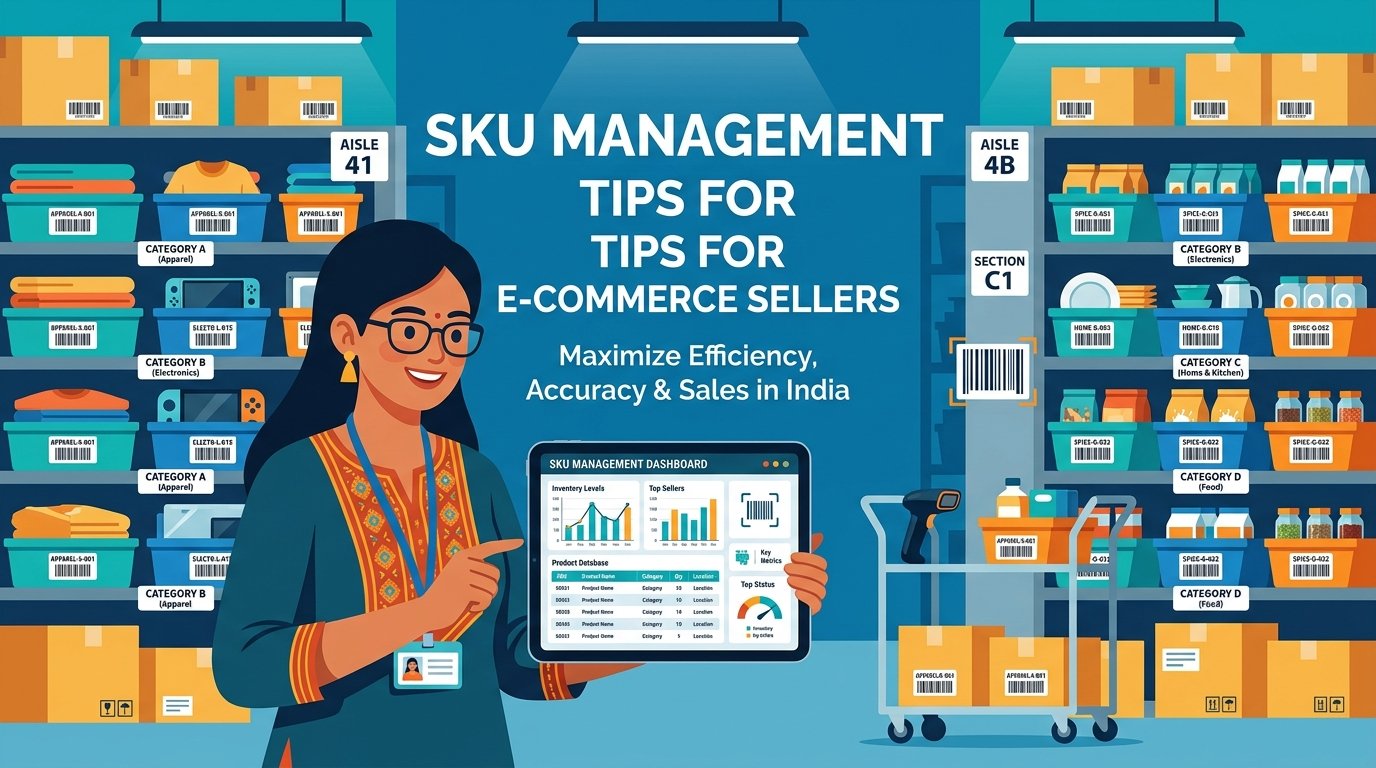
- 📦 Audit your inventory — identify your top 20 SKUs that drive 80% of sales
- 📦 Order 3x-5x stock for these top SKUs from your supplier
- 📦 Register for the sale on all platforms you sell on
- 📦 Order packaging materials in bulk — courier bags, thermal labels, bubble wrap, tape
2 Weeks Before the Sale
- 📸 Refresh product photos — add "Sale Special" lifestyle images
- 📸 Update product titles — add seasonal keywords (e.g., "Festive Collection", "Diwali Special")
- 📸 Add detailed size charts — reduces returns during high-volume periods
- 📸 Test your thermal printer — clean the head, stock 5+ extra label rolls
- 📸 Set up EasyOrderLabel — bookmark easyorderlabel.com for quick label sorting during the rush
1 Week Before the Sale
- 🏷️ Finalize sale prices on all platforms
- 🏷️ Pre-pack top sellers — fold, polybag, and stack products ready for courier bags
- 🏷️ Brief your team — if you have helpers, assign roles (picker, packer, label printer, quality checker)
- 🏷️ Create a packing station — set up a dedicated area with printer, labels, bags, tape, and products within arm's reach
During the Sale (Daily)
- 🚀 Download labels every 2-3 hours — don't wait until end of day
- 🚀 Sort with EasyOrderLabel immediately — upload batch PDF → download sorted PDF → print
- 🚀 Dispatch within 12 hours — faster dispatch = better seller score = more visibility
- 🚀 Monitor stock levels — deactivate listings that are running out to avoid cancellations
- 🚀 Stay hydrated and take breaks — sale weeks are marathons, not sprints!
Common Mistakes That Cost Sellers Lakhs During Sales
- Not stocking enough inventory — running out on Day 2 of a 7-day sale means losing 5 days of peak revenue
- Accepting orders you can't fulfill — cancellations destroy your seller score and you get penalized
- Not sorting labels before printing — random label order means your packing takes 3x longer. Use EasyOrderLabel to sort by SKU automatically
- Pricing too low — a 40% discount + 20% platform commission + 25% return rate = you're selling at a loss
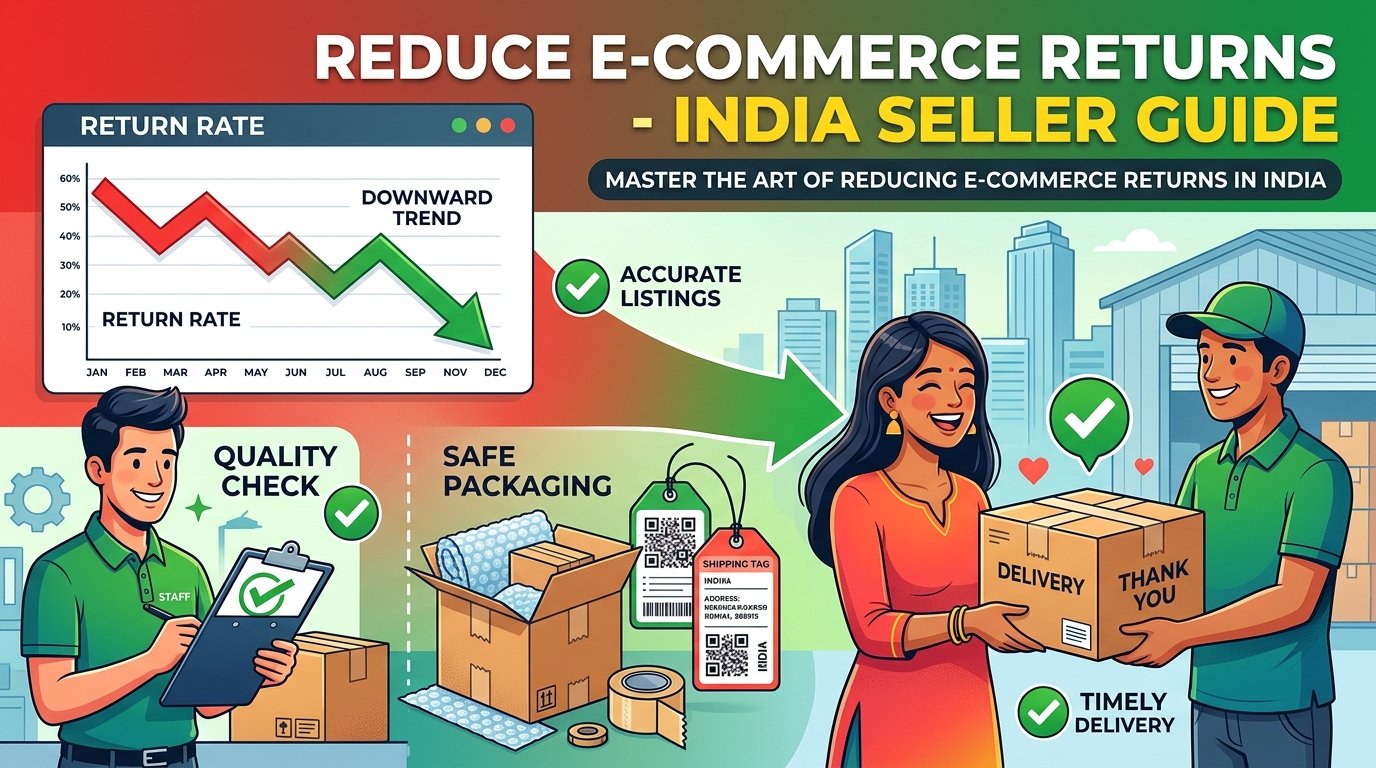
- Ignoring return rate — fashion returns spike during sales (30-40%). Build this into your pricing
- Not hiring temporary help — trying to handle 500 orders/day alone leads to late dispatches and burnout
- Running out of packaging material — courier bags and thermal label rolls sell out fast during sale week. Buy 2 weeks early!
After the Sale: What Most Sellers Forget
- Process returns quickly — returns from sale orders come in 1-2 weeks later. Inspect returned products and relist the ones in good condition
- Analyze your data — which products sold most? What was your actual return rate? Which platform was most profitable?
- Restock winning products — the festive season continues after the main sale. Diwali, Navratri, Christmas, and New Year drive steady sales
- Update your regular prices — some sellers forget to restore pre-sale prices and continue selling at discounted rates
- Collect and act on reviews — sale customers who had a good experience will leave positive reviews, boosting your long-term ranking