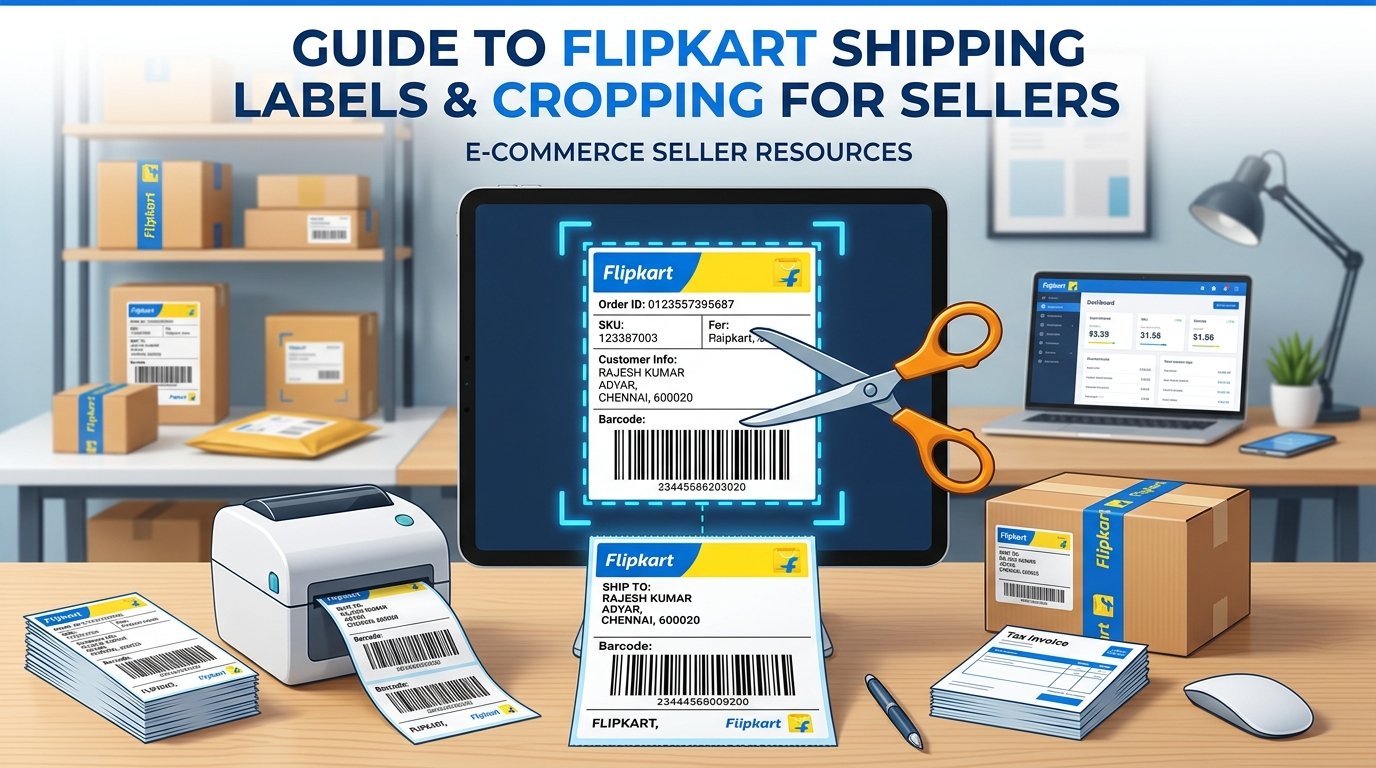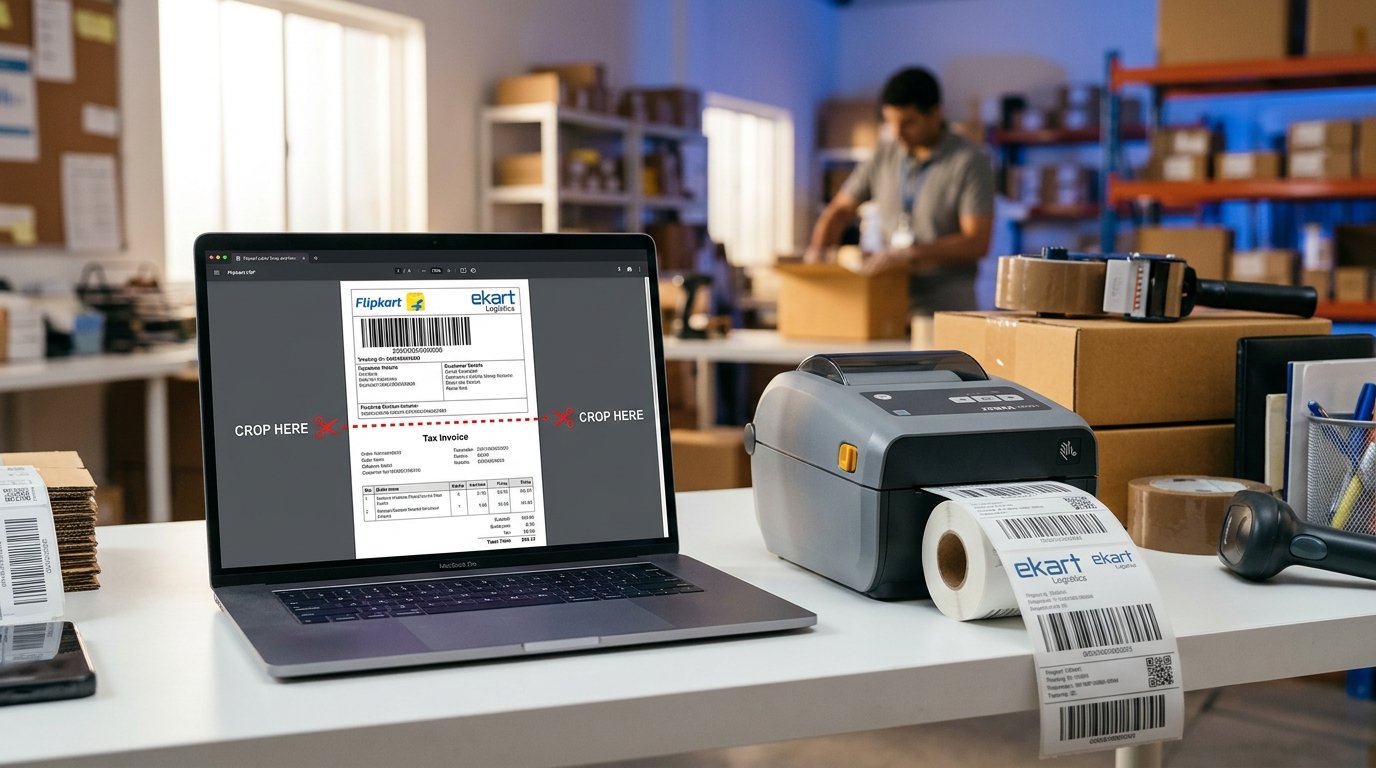
Every Flipkart seller faces the same packaging dilemma when printing daily orders: Flipkart downloads order batches as split A4 pages where the top half contains the shipping label with EKart/courier routing barcodes, and the bottom half contains the detailed tax invoice.
Pasting customer invoices with pricing breakdowns on the outer package is unnecessary, and feeding thermal rolls through full A4 sheets doubles label roll costs. The professional way to dispatch Flipkart parcels is to crop and print only the shipping label onto 4×6 inch thermal stickers.
Why Sellers Strip Out the Bottom Tax Invoice
There are three critical reasons high-volume Flipkart sellers avoid printing the bottom invoice onto outer shipping labels:
- Thermal Roll Economy: Thermal paper costs ₹0.60–₹0.90 per 4×6 sticker. Printing the full A4 sheet burns two labels per package instead of one.
- Privacy & Commercial Cleanliness: Outer packages only need routing barcodes, customer address, and tracking numbers. Product pricing breakdowns belong inside the box, not exposed on outer courier tape.
- Courier Scanner Efficiency: EKart and Delhivery hand scanners prioritize the primary tracking barcode. Compact, high-contrast 4×6 labels scan significantly faster during pickup handovers.
Automatic Flipkart Label Separation with EasyOrderLabel
Instead of manually cropping pages in Acrobat, EasyOrderLabel uses an automated border-detection algorithm designed specifically for Flipkart Seller Hub PDFs:
- Separator Line Recognition: The tool pinpoints the horizontal dotted line dividing the shipping address and the Tax Invoice table.
- Clean Top-Half Crop: It cleanly slices the page, discarding the invoice and formatting the shipping label into standard 4×6 inch vertical portrait dimensions.
- Automated SKU Grouping: Labels are grouped by SKU so you pack identical products together in rapid succession.
Thermal Printer Setup for Flipkart 4×6 Labels
To print your cropped Flipkart PDF with crisp barcode lines, apply these recommended settings:
- Paper Size: 4 × 6 inch (100mm × 150mm)
- Orientation: Portrait (Flipkart labels are vertical, unlike Meesho's landscape labels)
- Scaling: "Fit to Printable Area" (never select "Actual Size")
- Print Speed: 4 inches/sec (lower speed produces darker, higher-contrast thermal barcodes)